
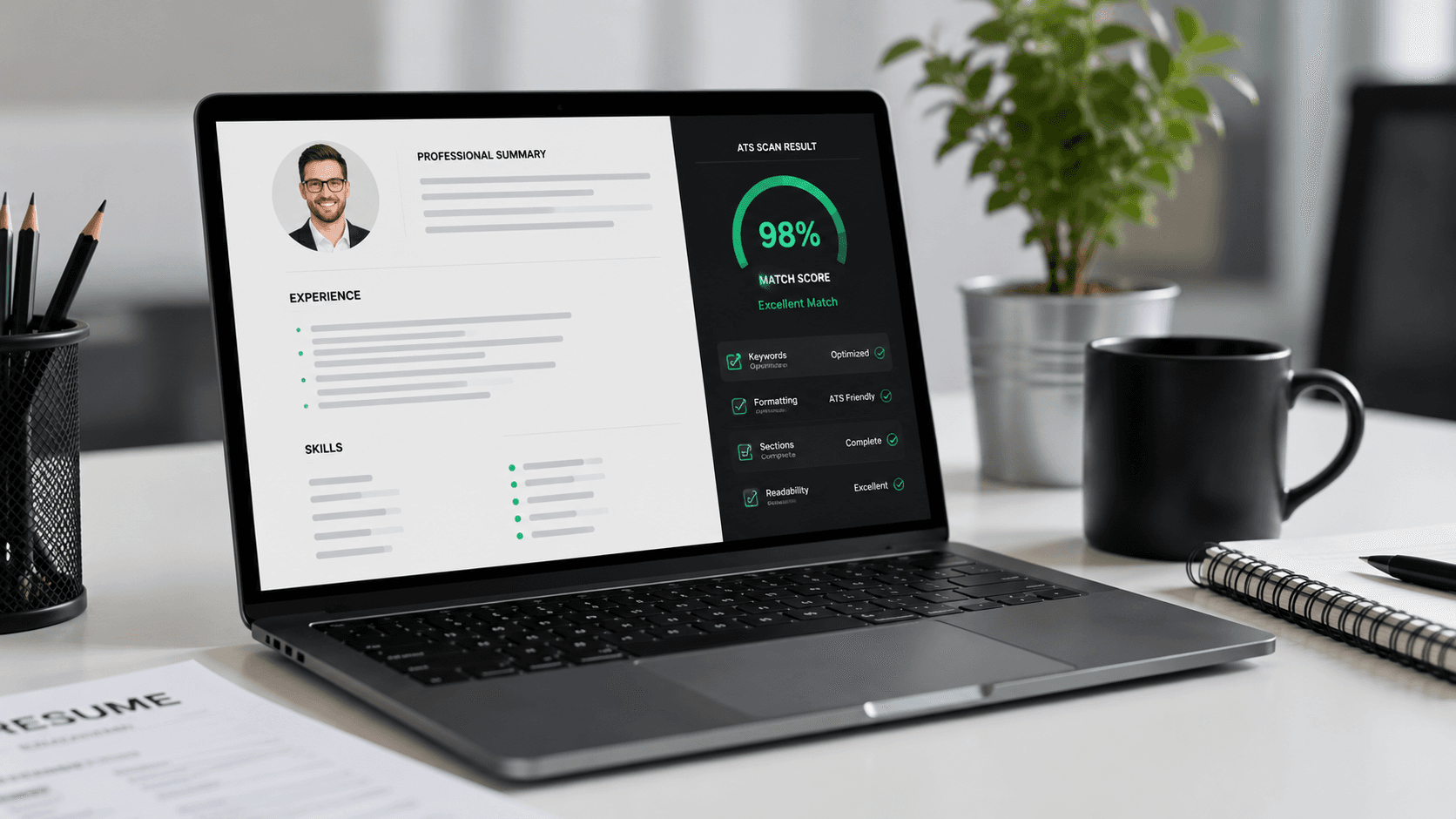
Have you ever applied to dozens of jobs online, only to hear absolute silence in return? It is incredibly frustrating, but here is a secret: it is probably not your skills that are the problem. It is the robot gatekeeper! Over 95% of major companies use a software tool called an Applicant Tracking System (ATS) to screen resumes. If your resume is not structured correctly, the ATS filters you out before a human ever gets to see your name.
To beat this, you need an ATS-friendly resume. Think of it as formatting your CV so the computer can read it smoothly. If you are starting completely from scratch, check out our guide on how to write a resume to get your basic sections down first.
Why Does Being ATS-Friendly Matter So Much?
Recruiters receive hundreds of applications for a single job opening. They do not have time to read every single one. Instead, the ATS scans the text of your resume and looks for specific keywords that match the job description. If your resume is full of complex columns, tables, or icons, the parser gets confused and scrambles your text. When that happens, you look unqualified to the system, and your application gets rejected automatically.
Where to Build Your ATS-Friendly Resume
If you want to skip all the formatting headaches, you can build your resume on chatcvapp.com. It is an amazing platform designed specifically to help you build resumes by simply chatting with an AI. Under the hood, chatcvapp.com compiles your resume using LaTeX. LaTeX is a typesetting system that produces super clean, text-based PDFs that are 100% readable by every ATS in existence. You do not need to worry about spacing, margins, or fonts—the system handles everything for you.
How ATS Parsers Read Different File Formats
Different file formats affect how easily the robot scanner can read your skills. Here is a simple comparison of different formats:
| Resume Format | ATS Reading Score | Visual Appeal | Why It Matters |
|---|---|---|---|
| LaTeX PDF (chatcvapp.com) | 100% Perfect | Extremely Premium | Standard code structures allow scanners to read text seamlessly. |
| Microsoft Word (.docx) | 95% Good | Basic/Plain | Easy for bots to scan, but layout can shift on different computers. |
| Graphic PDF (e.g. Canva) | Below 30% (Very Poor) | Very Colorful | Scanners read columns and boxes out of order, scrambling your text. |
The Checklist: Make Your Resume Pass Every Scan
- Stick to a Single Column: Parsers read left-to-right. Two-column templates look cool but scramble the reading order for bots.
- Use Clean Headers: Stick to standard titles like 'Professional Experience', 'Education', and 'Skills'. Creative titles confuse the scanner.
- Optimize Your Keywords: Make sure you use the exact terms from the job post. Check out our resume skills examples to see how to list your technical and soft skills correctly.
- No Graphics or Tables: Keep images, charts, and progress bars off your resume. Scanners see them as empty blocks.
Take Your Job Search to the Next Level
Applying for jobs is changing rapidly. More candidates are using smart tools to write their CVs. To stay ahead of the competition, read about why AI resume builders are dominating in 2026 and see how to select the best AI resume builder for your career goals.
Do not let a poorly formatted document hold you back from getting your foot in the door. Head over to chatcvapp.com, start chatting with the AI, and export a clean, ATS-compliant LaTeX resume today!
Frequently Asked Questions
What is an ATS-friendly resume?
It is a resume that uses simple formatting, standard fonts, clear headings, and relevant keywords so Applicant Tracking Systems can read it without errors.
Can I use color on my resume?
Yes, color is fine. The scanning software reads the text characters, not color. Just avoid charts, graphics, and multi-column tables.
How do I know if my resume is readable by an ATS?
A quick test is to copy all text from your PDF (Ctrl+A) and paste it into Notepad. If the text pastes in a logical reading order without spelling errors or merged words, it is readable.
Does chatcvapp.com generate ATS-friendly PDFs?
Yes! Resumes built on chatcvapp.com are written in clean LaTeX, creating perfectly structured, searchable text files that pass 100% of ATS scans.